
Updated November 2026. Prices are US East (N. Virginia), Linux, On-Demand, from public price snapshots; check AWS pricing before you quote them.
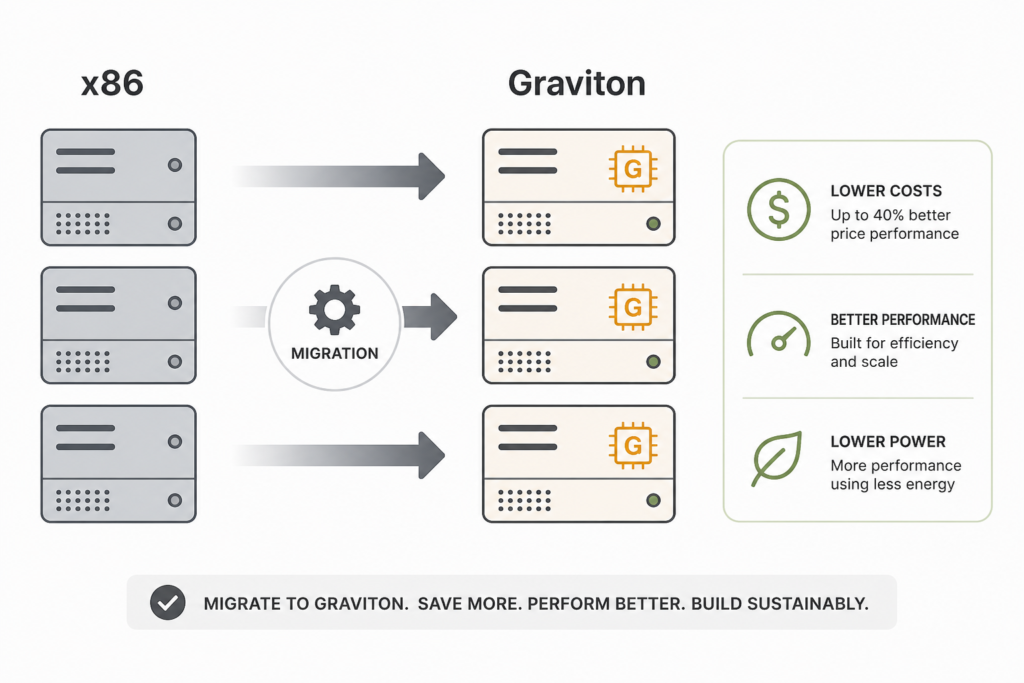
AWS Graviton savings come in two parts. The first is certain: Graviton instances list below comparable Intel and AMD instances, and you can calculate that gap today. The second is conditional: faster cores may let you run fewer or smaller instances, but only some workloads get there. Build your business case on the first and prove the second in a test.
This guide puts numbers on both, covers what Graviton5 changes, and lays out a migration order that avoids the usual traps.
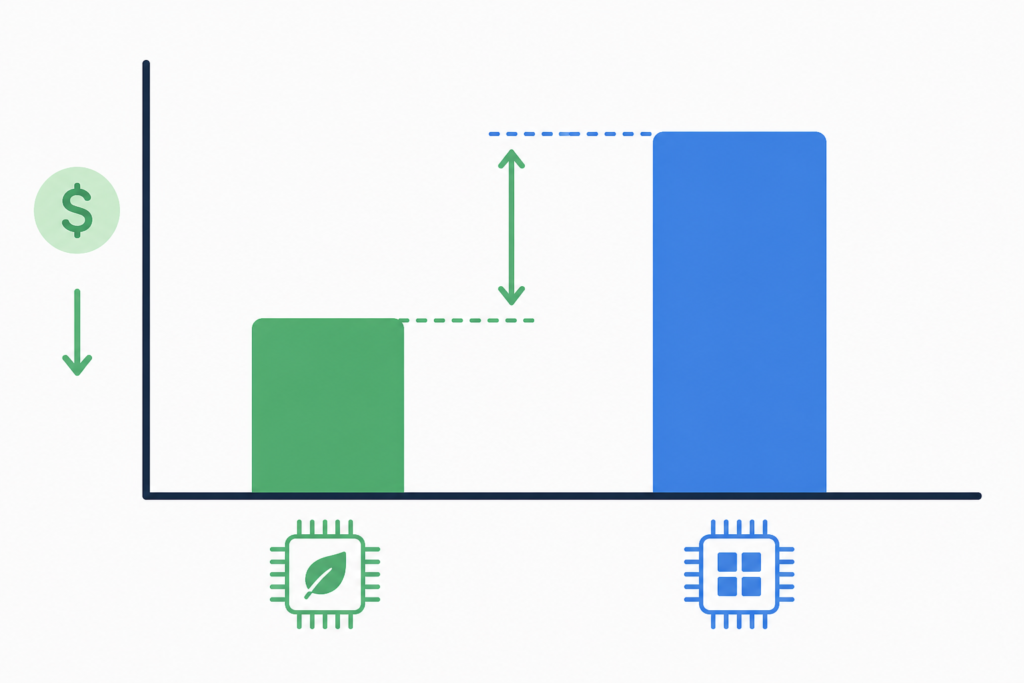
The list-price gap in 2026
| Pair (2 vCPU, 8 GiB) | x86 price | Graviton price | Gap |
|---|---|---|---|
| m8i.large vs m8g.large (Graviton4) | $0.1058/hr | $0.0898/hr | About 15% less |
| t3.xlarge vs t4g.xlarge (4 vCPU, 16 GiB) | $0.1664/hr | $0.1344/hr | About 19% less |
Prices from DevZero and Holori snapshots for m8i and m8g, and AWS list prices for the burstable pair.
Over a month of 730 hours, one m8g.large costs about $65.55 against $77.23 for m8i.large. That gap of about $11.68 a month looks small until you multiply it by a fleet.
The gap survives commitments. Holori’s snapshot showed a one-year, no-upfront Compute Savings Plan at $0.0659 an hour for m8g.large against $0.0778 for m8i.large, the same 27% discount applied to a lower base. Compute Savings Plans cover Graviton automatically; a Reserved Instance bought for an x86 family does not. See Reserved Instances versus Savings Plans.
What Graviton5 changes
AWS made the first Graviton5 instances, M9g and M9gd, generally available in June 2026 after a re:Invent 2025 preview. AWS says Graviton5 delivers up to 25% better compute performance than Graviton4, with up to 35% faster web applications and machine learning inference and up to 30% faster databases.
It is not cheaper per hour. DevelopersIO’s analysis, reported by InfoQ, found M9g priced uniformly 9% above M8g in us-east-1. Against the 25% performance claim, that works out to roughly 15% better price-performance, if your workload sees the full gain.
So the decision on Graviton5 is a performance test, not a price comparison:
- If your workload is CPU-bound and scales out, M9g can let you run fewer instances, and the extra 9% per hour pays for itself.
- If it waits on memory, network or a database, stay on M8g, which is cheaper per hour.
Customer reports on AWS’s M9g page are encouraging but are vendor-selected. Atlassian reported 30% better performance and 20% lower latency testing Jira on M9g; Honeycomb reported 20% to 25% lower latency and 15% lower CPU on ingest workloads. Test your own.
Where else Graviton saves
Databases. RDS for PostgreSQL, MySQL and MariaDB added M9g instances in June 2026, with AWS citing up to 30% better performance and up to 23% better price-performance over equivalent Graviton4 instances. Moving RDS to a Graviton class is a class change, not a migration. See RDS cost optimization.
Lambda. Arm duration is priced 20% below x86 per GB-second. For functions without native binaries, switching is a configuration change. See AWS Lambda cost optimization.
Spot. Graviton Spot pools stack with the lower base price. In Holori’s snapshot, m8g.large Spot started at $0.0398 an hour in the cheapest zone. See AWS Spot Instances.
Managed services. ElastiCache, OpenSearch, Aurora, EMR and others offer Graviton options, usually as an instance class switch.
A worked example: 50 instances
Take a hypothetical fleet of 50 m8i.large instances running all year.
- At $0.1058 an hour, the fleet costs about $46,342 a year.
- On m8g.large at $0.0898, it costs about $39,334.
- Saving: about $7,008 a year, or 15%, from the list-price gap alone.
If testing shows the service handles the same load on 45 Graviton instances instead of 50, the fleet drops to about $35,400, a 24% saving. That second step is the conditional part; do not book it until load tests confirm it.
The same arithmetic applies under a Savings Plan, with both lines discounted by the same percentage.
What moves easily and what does not
Easy: containers and services in Java, Go, Python, Node.js, Ruby and .NET, which usually run on Arm after a rebuild. Managed services that offer Graviton classes. Lambda functions without native dependencies.
Harder: x86-only binaries, vendor agents or security tools without Arm builds, native libraries nobody has compiled for arm64, and older base images. Find these first; they decide the schedule.
Container images need to be multi-architecture so the same release runs on both. Most CI systems can build both from one pipeline, and Graviton build agents on Spot keep that cheap.
A migration order that works
- Inventory. In AWS Cost Explorer, group EC2 spend by instance family and pick the biggest families running modern runtimes.
- Check dependencies. List agents, sidecars and native libraries; confirm Arm builds exist.
- Benchmark. Run one workload on a Graviton instance of similar size. Measure latency, throughput and error rate, not just CPU.
- Build multi-arch images so both architectures ship from one release.
- Shift gradually. Use weighted routing or separate node groups, keep an x86 fallback until the numbers hold.
- Rightsize after the move. Graviton under real load often needs a different size; see AWS rightsizing.
- Update commitments. Let x86-specific Reserved Instances expire and cover the new footprint with Compute Savings Plans.
Why so many teams have not moved yet
Datadog’s 2024 State of Cloud Costs report found Arm made up 18% of EC2 compute spend among adopters, double the year before, while 83% of organizations still ran previous-generation instances. The blocker is rarely price. It is the long tail of agents, native libraries and “we will do it next quarter”. Treat Graviton as a standing item in the cloud cost optimization checklist rather than a one-off project.
Questions people ask
How much cheaper is Graviton than Intel?
On a like-for-like pair, m8g.large listed about 15% below m8i.large in us-east-1, and t4g.xlarge about 19% below t3.xlarge.
Is Graviton5 cheaper than Graviton4?
Not per hour: M9g listed about 9% above M8g. It can be cheaper per unit of work if your workload gains from the faster cores.
Will my application break on Arm?
Most interpreted and managed-runtime code runs unchanged. Compiled dependencies and vendor agents are the usual problems, so test in staging.
Is Graviton worth it for a small bill?
For a handful of instances, the saving may not cover the testing time. The payoff grows with fleet size. See how to reduce your AWS bill for higher-return work first.
Sources
- AWS Graviton processors
- Now available: Amazon EC2 M9g and M9gd with Graviton5 (AWS News Blog)
- Amazon EC2 M9g instances (AWS)
- AWS Graviton5 general availability (InfoQ)
- RDS for PostgreSQL, MySQL and MariaDB support M9g (AWS)
- m8g.large pricing (Holori)
- m8i.large pricing (Holori)
- m8i.large pricing (DevZero)
- AWS Lambda pricing
- State of Cloud Costs 2024 (Datadog)


Pingback: AWS Lambda Cost Optimization: Memory, Arm and Limits
Pingback: AWS Spot Instances: Savings, Interruptions and Setup