
Updated November 2026.
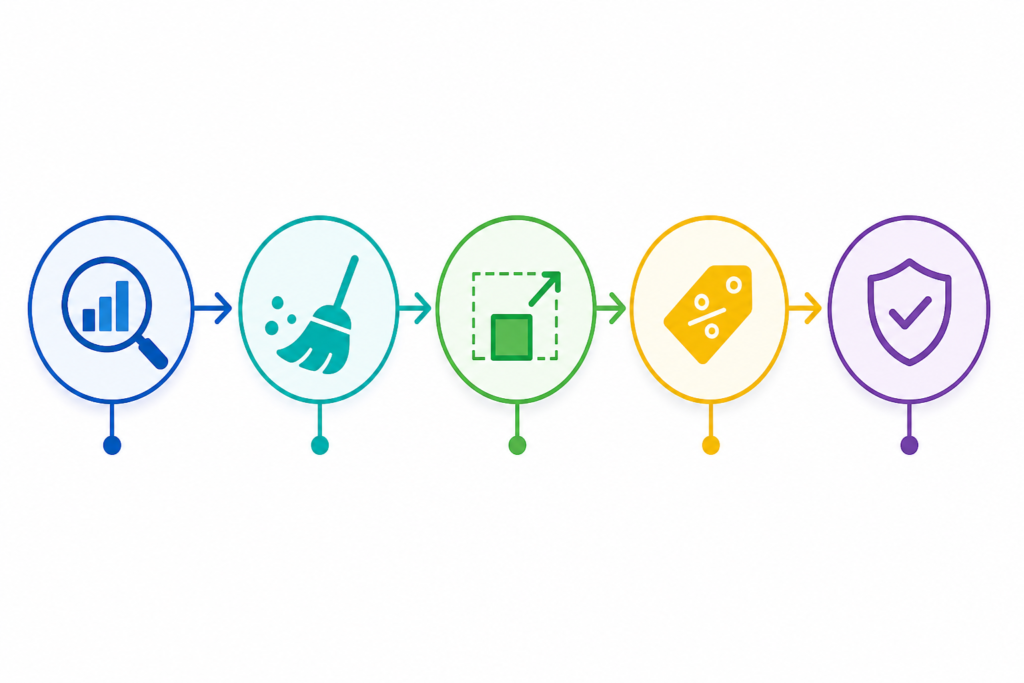
To reduce your Google Cloud bill, export billing data so you can see it, remove idle resources, rightsize what remains, and only then apply discounts. Google gives you good free tooling for the first three steps through Active Assist and Recommender.
Get visibility first
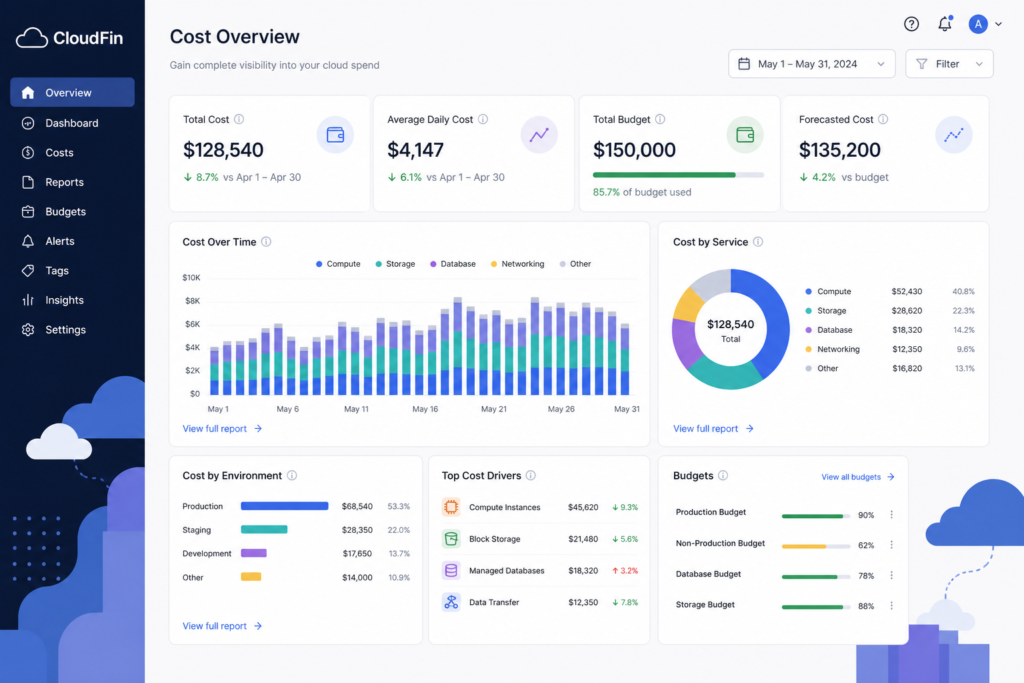
You cannot cut what you cannot see. Turn on billing export to BigQuery for detailed records by project, SKU and label. Build a dashboard on top of it. Set budgets with alerts to email or Pub/Sub. Standardize labels such as owner, environment and cost center, and enforce them at creation.
Usual suspects
| Product | Common waste |
|---|---|
| Compute Engine | Forgotten test VMs, oversized machines |
| Persistent Disk | Unattached disks, old snapshots |
| Static external IPs | Reserved but unused addresses |
| Cloud SQL | Idle instances, extra replicas |
| GKE | Over-requested pods, oversized node pools |
| Cloud Storage | Old data left on hot storage classes |
Recommender surfaces many of these within minutes of enabling it.
Rightsize compute
Check CPU and memory use against machine size. Google offers custom machine types, which let you set vCPU and memory separately when no predefined size fits. Rightsize first so any commitment covers a smaller, honest baseline. For GKE, review pod requests against actual use. See Kubernetes rightsizing.
Choose the right price model
| Option | Fit |
|---|---|
| On-demand | Spiky or unknown demand |
| Sustained use discounts | Automatic on some machine families, no action needed |
| Committed use discounts | Steady baseline. See GCP committed use discounts |
| Spot VMs | Fault-tolerant, interruptible batch work |
Spot VMs are offered at a deep discount in exchange for possible preemption, so they suit stateless or checkpointed jobs only. Check Google’s pricing pages for current discount levels, since they change.
Storage and data
Move cold data to cheaper storage classes with lifecycle rules. Set retention on logs. Cap automatic storage growth on databases. Watch egress, which is billed separately.
Make it stick
Review the BigQuery dashboard monthly by team. Add policy that blocks unlabeled resources. Track a few KPIs from FinOps KPIs, and use governance to keep savings from rebounding.
Questions people ask
Where should I start on GCP?
Billing export and Recommender. Both are free.
Do I need a third-party tool?
Not at first. Native tools cover a single cloud well.