
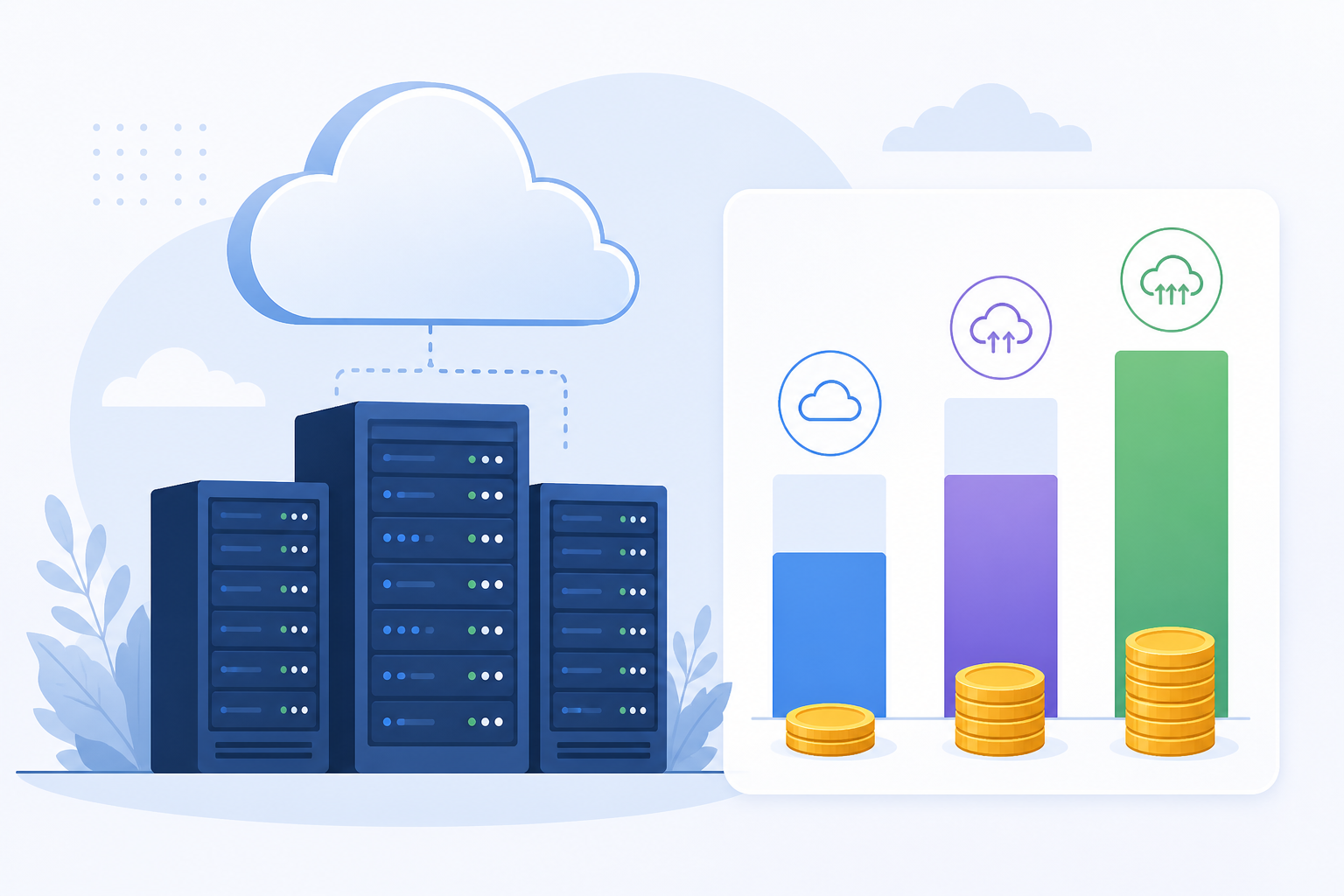
Use a blend of On‑Demand, Reserved, and Spot instances to minimize AWS cost without compromising reliability—knowing when to pick each model saves thousands annually.
This post may contain affiliate/partner links. If you buy or sign up through them, we may earn a commission at no extra cost to you.
Last updated: September 12, 2026
What are Reserved, Spot, and On‑Demand Instances?
Reserved, Spot, and On‑Demand are three AWS EC2 instance pricing models. Reserved Instances (RIs) are billing discounts in exchange for a 1‑ or 3‑year term commitment to a specific instance configuration. Spot Instances are unused capacity available at deep discounts but are interruptible with a short notice. On‑Demand requires no commitment, and you pay per second/hour of usage with full flexibility and availability.
Reserved Instances: billing discount with commitment for specific instance type, region, purchase term; applies automatically when matching instances run ([docs.aws.amazon.com](https://docs.aws.amazon.com/AWSEC2/latest/UserGuide/ec2-reserved-instances.html?utm_source=openai)).
Spot Instances: spare EC2 capacity offered at up to ~90% off On‑Demand; may be terminated with 2‑minute warning ([aws.amazon.com](https://aws.amazon.com/ec2/faqs/?utm_source=openai)).
On‑Demand Instances: pay‑as‑you‑go, no long‑term commitment, guaranteed availability (unless AZ capacity exhausted) ([aws.amazon.com](https://aws.amazon.com/compare/the-difference-between-on-demand-instances-and-reserved-instances/?trk=faq_card&utm_source=openai)).
How much can you save with each model?
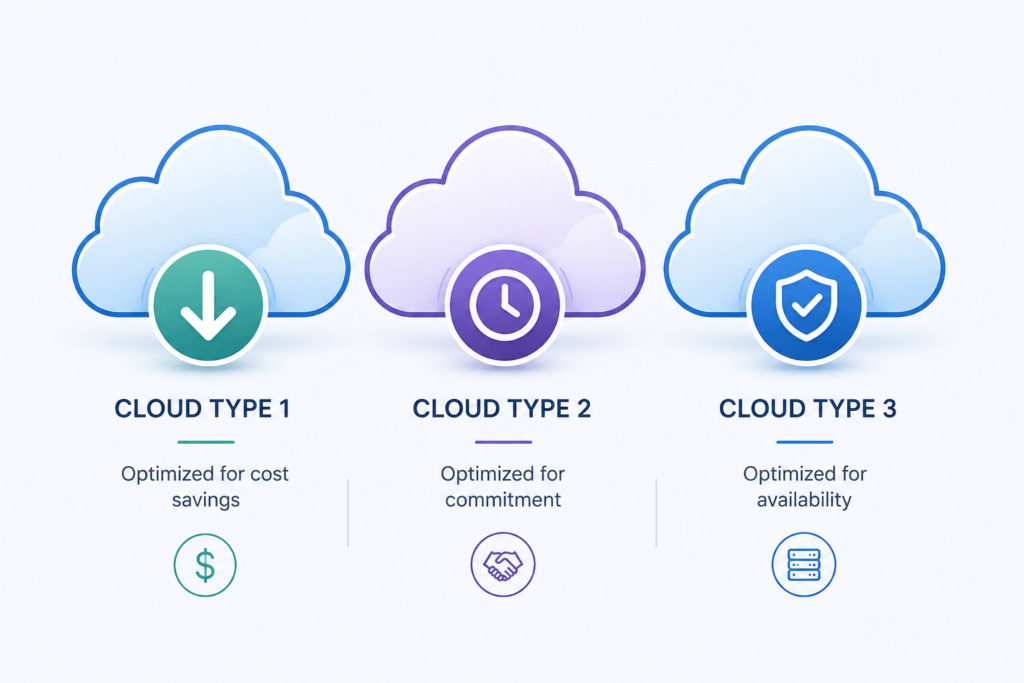
Here’s a real‑world example for a m7i.xlarge (4 vCPU, 16 GB RAM) in us‑east‑1 running 24×7 for one year (from CloudMetrics, Jan 2026):
| Model | Annual Cost | Savings vs On‑Demand |
|---|---|---|
| On‑Demand | ~$1,752 | baseline |
| 1‑Year Reserved (No Upfront) | ~$1,138 | 35% |
| 1‑Year Reserved (All Upfront) | ~$1,042 | 41% |
| 3‑Year Reserved (All Upfront) | ~$666 | 62% |
| Spot (average) | ~$526 | 70% |
The difference between Spot and On‑Demand is over $1,200/year for just one instance; multiply that by hundreds or thousands—cost optimization compounds fast ([cloudmetrics.dev](https://www.cloudmetrics.dev/blog/reserved-vs-spot-vs-ondemand?utm_source=openai)).
When should you use each pricing model?
On‑Demand: When flexibility and availability matter most
- Short‑lived, unpredictable, or spiky workloads that don’t justify commitment. Ideal for test, development, sandbox environments or benchmarking ([docs.aws.amazon.com](https://docs.aws.amazon.com/wellarchitected/latest/cost-optimization-pillar/select-the-best-pricing-model.html?utm_source=openai)).
- No upfront cost, full control—instances can spawn anytime.
- Guaranteed unless an AZ is out of capacity—can use On‑Demand Capacity Reservations for critical runs.
Reserved Instances: Cost‑efficient base for stable workloads
- Best for long‑term, steady usage—such as persistent backend, production, or databases.
- Choose between Standard RIs (deepest discount up to ~72% vs On‑Demand) and Convertible RIs (flexibility to change attributes at some cost) ([docs.aws.amazon.com](https://docs.aws.amazon.com/AWSEC2/latest/UserGuide/ec2-reserved-instances.html?utm_source=openai)).
- Commit for 1 or 3 years; payment options: All Upfront, Partial, No Upfront.
- Fixed pricing over term—makes cost predictable; capacity reservations possible by AZ.
- Risks: over‑commitment if workload drops, limited flexibility (unless Convertible), cannot cancel but RIs can be traded/resold via AWS RI Marketplace ([docs.aws.amazon.com](https://docs.aws.amazon.com/AWSEC2/latest/UserGuide/ec2-reserved-instances.html?utm_source=openai)).
Spot Instances: Deepest discounts for fault‑tolerant workloads
- Massive savings—often 70–90% off On‑Demand; no commitment required ([docs.aws.amazon.com](https://docs.aws.amazon.com/pdfs/whitepapers/latest/cost-optimization-leveraging-ec2-spot-instances/cost-optimization-leveraging-ec2-spot-instances.pdf?did=wp_card&utm_source=openai)).
- Interruptible—AWS can reclaim with 2-minute notice; average interruption <5% ([d1.awsstatic.com](https://d1.awsstatic.com/whitepapers/architecture/AWS-Cost-Optimization-Pillar.pdf?utm_source=openai)).
- Best for batch processing, analytics, CI/CD, distributed workloads, stateless tiers where interruption is acceptable ([aws.amazon.com](https://aws.amazon.com/ec2/faqs/?utm_source=openai)).
- Requires automation: auto‑scaling, graceful termination, checkpointing, fallback to On‑Demand when needed ([en.wikipedia.org](https://en.wikipedia.org/wiki/Autoscaling?utm_source=openai)).
Comparison: Quick feature matrix
| Dimension | On‑Demand | Reserved | Spot |
|---|---|---|---|
| Cost | Highest | ~35–72% off | ~70–90% off |
| Commitment | None | 1 or 3 years | None |
| Reliability | High | High | Low–medium (interruptible) |
| Use case | Unpredictable, dev/test | Baseline production | Fault‑tolerant, batch |
Steps to choose the right model
-
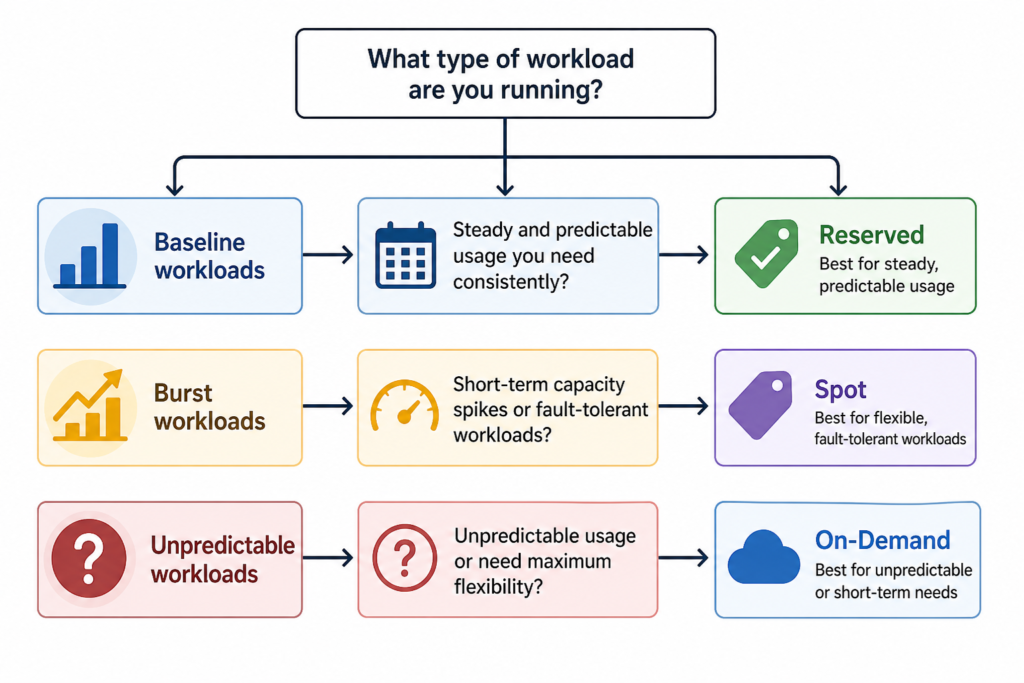
- Classify workloads: steady vs bursty vs fault‑tolerant.
- Use AWS Cost Explorer to analyze historical usage and identify steady-state baselines to convert to RIs or Savings Plans—and spot opportunities in flexible workloads ([docs.aws.amazon.com](https://docs.aws.amazon.com/wellarchitected/latest/cost-optimization-pillar/select-the-best-pricing-model.html?utm_source=openai)).
- Apply multi-model strategy: use Reserved for baselines, Spot for batch or scalable parts, On‑Demand for overflow and unknowns.
- Automate orchestration: build auto‑scaling groups using mixed instances with Spot fallback, reserve capacity where needed.
- Review quarterly: monitor RI utilization, Spot interruption rates, adjust as workload shifts.
Concrete example
Production web app has steady backend (24×7), periodic batch jobs (nightly ETL), and unpredictable testing workloads.
-
-
- Backend: purchase 3‑Year Standard Reserved for baseline capacity → save ~60%.
- Nightly ETL: use Spot + checkpointing + fallback to On‑Demand via Spot Fleet → save ~80% while maintaining completion.
- Testing: On‑Demand or Spot as load allows, using budget limits.
- Use Cost Explorer to monitor and adjust RI purchases, turnover idle capacity via RI Marketplace.
-
This mix can cut compute spend by ~50–70% vs On‑Demand only, depending on scale.
Where to go next
For computing cost optimization frameworks and tooling integrations, see our pillar guide AWS cost optimization hub.
Frequently Asked Questions
டணம இல. – четвертий і останній турнір Великого шолому, який проводиться в Нью Йорку на кортах з твердим покриттям. esenler ulaşım Çilesini geride bırakın. .