

Cursor cost management is about balancing predictable seat subscriptions with variable AI usage charges. This guide gives engineering teams direct, actionable controls over Cursor spend.
Using Cursor’s team plans without discipline leads to surprise high invoices, but with model‑mixing, pooled credits, spend caps, and usage monitoring, predictable Cursor costs are entirely achievable.
What is cursor cost management?
Cursor cost management is the systematic practice of monitoring, controlling, and optimizing both team subscription fees and variable usage costs from AI coding models—ensuring engineering teams avoid unexpected overages while capturing the productivity benefits of Cursor.
Why Cursor costs can spiral unexpectedly
Cursor’s pricing combines a fixed seat fee with model‑based variable usage charges. Teams pay per user (e.g., $40/user/month including a credit pool), but agent sessions—especially over large codebases—can consume credits rapidly. A 20‑person team paying $40/seat/month spends $800 just on seats—but their real costs often come from overages when agents consume more credits than budgeted.([agentcost.in](https://agentcost.in/docs/guides/cursor-costs/))
After mid‑2025 shifts to credit‑based billing, teams reported monthly bills 2–5× higher than expected as refactoring tools or multi‑file agent sessions used $20 or more of credits in one go.([agentcost.in](https://agentcost.in/docs/guides/cursor-costs/))
Which pricing elements matter most?
- Seat cost: Teams plan is $40/user/month and includes a built‑in credit pool.([cursor.com](https://www.cursor.com/pricing?trk=public_post_main-feed-card-text))
- Pooled usage vs per‑user usage: Enterprise supports pooled usage; Teams uses individual credit pools per user.([prod.cursor.com](https://prod.cursor.com/en-US/business/teams))
- Model selection and Auto routing: Some models consume more tokens; Auto mode routes tasks to models but may bill at higher list prices.([docs.cursor.com](https://docs.cursor.com/account/pricing))
- Spend caps and overage guardrails: Teams can configure spend limits to avoid unexpected usage.([docs.cursor.com](https://docs.cursor.com/account/pricing))
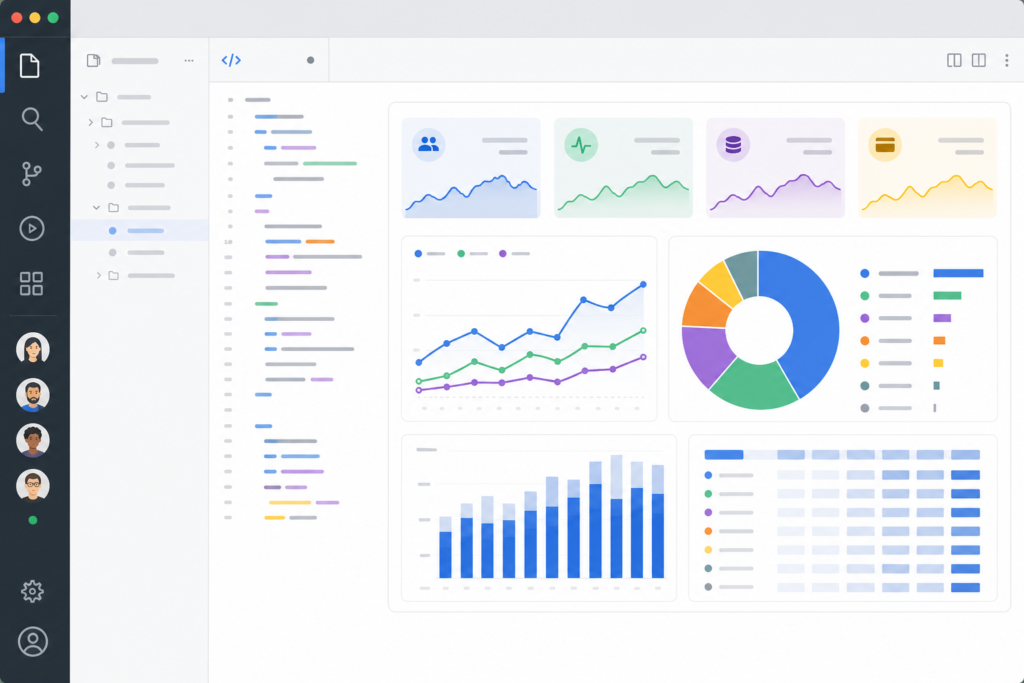
- Dashboard usage analytics: Admins can monitor user‑level consumption and trends.([cursor.li](https://cursor.li/teams.html))
How can engineering teams control Cursor cost?
1. Enable pooled usage with Enterprise—or stay disciplined on Teams
Enterprise plans let you pool usage across seats, smoothing overbursts from heavy agent tasks and avoiding waste across individuals.([prod.cursor.com](https://prod.cursor.com/en-US/business/teams))
If using Teams, enforce per‑user credit limits and monitor who’s consuming how much to identify heavy users before they blow out the pool.([docs.cursor.com](https://docs.cursor.com/account/pricing))
2. Set spend caps and enforce overage guardrails
Cursor allows configuring hard spend limits; once reached, the team is routed to slower models or paused, preventing runaway costs.([cursor-ai.cadn.net.cn](https://cursor-ai.cadn.net.cn/account_plans-and-usage.en.html))
For Teams, administrators can restrict usage‑based pricing access, ensuring only allowed users or workflows exceed included credits.([cursor-ai.cadn.net.cn](https://cursor-ai.cadn.net.cn/account_plans-and-usage.en.html))
3. Use model‑mixing intentionally and optimize via Auto mode
Not all coding tasks need premium models. Using less costly models for mechanical refactors or simple edits preserves expensive tokens for strategic tasks.([docs.cursor.com](https://docs.cursor.com/account/pricing))
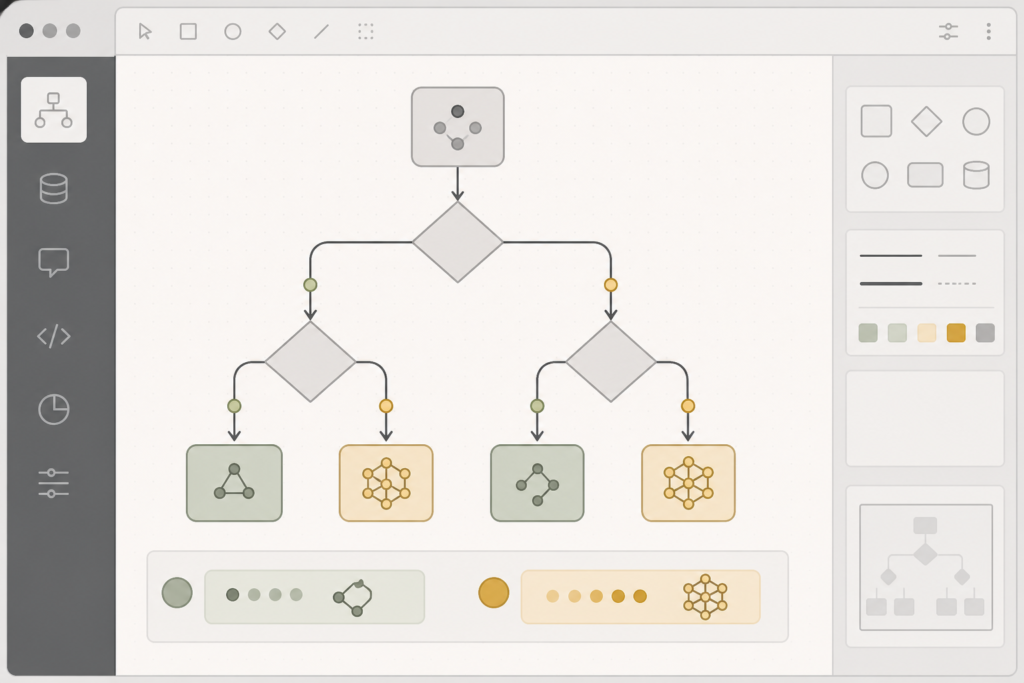
Auto mode can balance intelligence and cost—but Monitor its routing decisions and adjust to ensure it doesn’t default to expensive models for trivial tasks.([prod.cursor.com](https://prod.cursor.com/help/account-and-billing/pricing))
4. Track usage weekly and spot trends early
Cursor’s billing dashboard gives user‑level, trend‑continuous insight. Build a weekly cadence to review who’s using agents heavily, which models are driving cost, and if downgrades or workflows fixes are needed.([vantage.sh](https://www.vantage.sh/blog/track-cursor-costs))
External tools like cloud cost dashboards aren’t available for Cursor, so rely on team‑level discipline.([vantage.sh](https://www.vantage.sh/blog/track-cursor-costs))
5. Normalize workflows to predictable cost profiles
Define rules for AI usage in code reviews, refactors, or testing—e.g., “use agents only for 5‑file refactors,” “generate tests in batches,” or “limit agent usage during live coding.” Log usage by workflow to forecast cost per task type. Sources: internal tagging or manual recording.([cdck-file-uploads-us1.s3.dualstack.us-west-2.amazonaws.com](https://cdck-file-uploads-us1.s3.dualstack.us-west-2.amazonaws.com/cursor1/original/3X/3/2/32418377c5f813e830ef958363b3ae6fca1df8b4.pdf))
6. Consider alternatives or task‑specific tools
For high‑volume mechanical tasks, cheaper tools such as Claude Code may be more cost‑efficient. Review ROI per PR merged to assess tool fit.([reddit.com](https://www.reddit.com/r/cursor/comments/1udf5jc/best_pricetoperformance_ai_coding_agents_right/))
If Cursor innovation outweighs cost, consider internal prompt‑engineering or reduce model complexity for basic tasks.([reddit.com](https://www.reddit.com/r/cursor/comments/1udf5jc/best_pricetoperformance_ai_coding_agents_right/))
Comparison table: cost controls
| Strategy | Purpose | Effectiveness |
|---|---|---|
| Pooled usage (Enterprise) | Smooth spikes across seats | High |
| Per‑user spend caps (Teams) | Limit outliers | High if enforced |
| Model‑mixing / cheap-first routing | Optimize token spend | Medium–High |
| Weekly usage reviews | Spot trends early | High |
| Workflow cost attribution | Forecast per task | Medium |
| Alternate tools for basic jobs | Reduce cost on mundane tasks | Medium |
Step‑by‑step checklist to implement cost control
- Audit current Cursor bill: seats vs overage, model usage breakdown.
- Decide: switch to Enterprise for pooled usage, or stick with Teams and enforce controls.
- If Teams, configure per‑user spend caps and disable self‑upgrade overages except for subset of power users.
- Define model‑mixing policies—tag workflows that must use premium models and those that don’t.
- Set up weekly dashboards: track high‑usage users, cost per workflow, week‑to‑week changes.
- Document cost profiles by task (e.g., refactor 50‑file module costs ~$X tokens)—log actual data.
- Consider offloading certain workflows to cheaper tools if cost per action is lower.
- Revisit quarterly: evaluate if Enterprise pooling, pro model access, or workflow logic needs adjustment.